




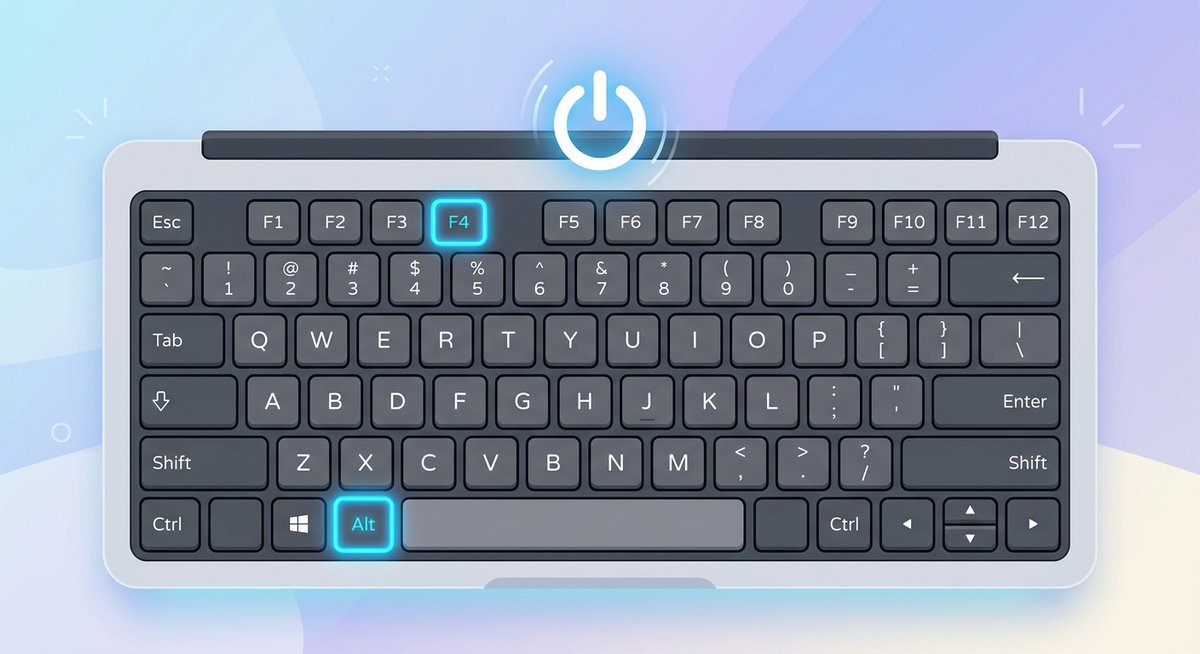
Alt+F4 on a Windows desktop triggers the shutdown dialog in under two seconds. That single combo handles 90% of keyboard-only shutdown situations, but it is far from the only option. Windows and Mac both offer multiple keyboard paths to power off, restart, or force-quit a frozen machine without ever touching a mouse or trackpad.
Fastest Ways to Shutdown a Laptop With Keyboard Shortcuts
Alt+F4 from the Windows desktop is the fastest single-combo shortcut to shut down a laptop, while Command+Control+Power performs the same job on a Mac. The table below ranks every major method by keystroke count and total time from first keypress to power-off.
| Method | OS | Keystrokes | Approx. Time | Best For |
|---|---|---|---|---|
| Alt+F4 (desktop) then Enter | Windows 10/11 | 3 | 2-3 sec | Everyday quick shutdown |
| Win+X, U, U | Windows 10/11 | 4 | 2-3 sec | Power menu access from anywhere |
| Ctrl+Alt+Del > Tab to Power > Enter | Windows 10/11 | 5-6 | 4-5 sec | Frozen apps blocking Alt+F4 |
Win+R, type shutdown /s /t 0, Enter | Windows 10/11 | ~20 | 5-6 sec | IT professionals, scripting |
| Control+Option+Command+Power | macOS | 4 (simultaneous) | 1-2 sec | Instant Mac shutdown |
| Control+Power (or Eject) | macOS | 2 | 2-3 sec | Shutdown dialog on Mac |
Three keypresses with Alt+F4 beats every other Windows method on raw speed. The Win+X path takes one extra keypress but works even when app windows are in focus, which makes it more reliable in daily use. On Mac, the four-key combo skips the confirmation dialog entirely, shaving off a full second compared to the two-key Control+Power approach that still asks “Are you sure?”
Windows Laptop Shutdown: Step-by-Step Keyboard Methods
Windows offers four distinct keyboard-only shutdown paths: Alt+F4 from the desktop, the Win+X power menu, the Ctrl+Alt+Del security screen, and the Run dialog. Each one works in different situations, and knowing all four means never getting stuck.
Alt+F4 Shutdown (Fastest Method)
- Press Win+D to minimize all windows and reach the desktop.
- Press Alt+F4. The “Shut Down Windows” dialog appears.
- Make sure “Shut down” is selected in the dropdown (it is the default).
- Press Enter.
If Alt+F4 closes an app instead of opening the shutdown dialog, the desktop was not in focus. Press Win+D first every time to avoid this.
Win+X Power Menu (Win+X, U, U)
- Press Win+X to open the Quick Link menu.
- Press U to expand “Shut down or sign out.”
- Press U again to select “Shut down.”
This sequence works from any screen on Windows 10 and 11. No need to navigate to the desktop first.
Ctrl+Alt+Del Security Screen
- Press Ctrl+Alt+Del. The Windows Security screen appears.
- Press Tab until the power icon in the bottom-right corner is highlighted.
- Press Enter, then use the arrow keys to select “Shut down.”
- Press Enter to confirm.
Ctrl+Alt+Del is the most reliable shortcut when the system is partially frozen because Windows prioritizes this key combination above almost all other processes.
Run Dialog Method (Win+R)
- Press Win+R to open the Run dialog.
- Type
shutdown /s /t 0and press Enter.
The /s flag triggers shutdown, and /t 0 sets a zero-second delay. Changing /s to /r performs a restart instead. This method is popular among system administrators who need precise control over shutdown behavior. Microsoft’s full list of Windows keyboard shortcuts covers additional power management commands.
Mac Laptop Shutdown Keyboard Shortcuts
Press Control+Option+Command+Power button to instantly shut down any Mac laptop without a confirmation dialog. This four-key combo works on every MacBook model from 2012 onward, including Apple Silicon machines with M1, M2, M3, and M4 chips.
Intel Mac vs Apple Silicon (M1/M2/M3/M4)
The shutdown shortcuts are identical across Intel and Apple Silicon Macs, as confirmed in Apple’s official Mac keyboard shortcuts reference. The physical power button location moved from the top-right of the keyboard (Intel era) to the Touch ID sensor integrated into the keyboard on newer models, but the key combination stays the same.
- Shutdown without dialog: Control+Option+Command+Power
- Shutdown with dialog: Control+Power (press once)
- Sleep: Option+Command+Power
- Restart: Control+Command+Power
Touch Bar and Touch ID Variations
MacBook Pro models from 2016 to 2019 replaced the physical Escape key with a Touch Bar. On these machines, the power/Touch ID button sits at the far right end of the Touch Bar. Press and hold it for 1.5 seconds to trigger the shutdown dialog, or use the full four-key combo for an immediate power-off.
Apple condensed four separate power actions into just four modifier keys. Windows, by comparison, spreads its shutdown options across at least four different shortcut paths with varying keystroke counts.
How to Shutdown a Frozen Laptop Using Only the Keyboard
When a laptop freezes, press Ctrl+Alt+Del to reach the Windows Security screen and open Task Manager, or hold the physical power button for 10 seconds to force a hard shutdown as a last resort.
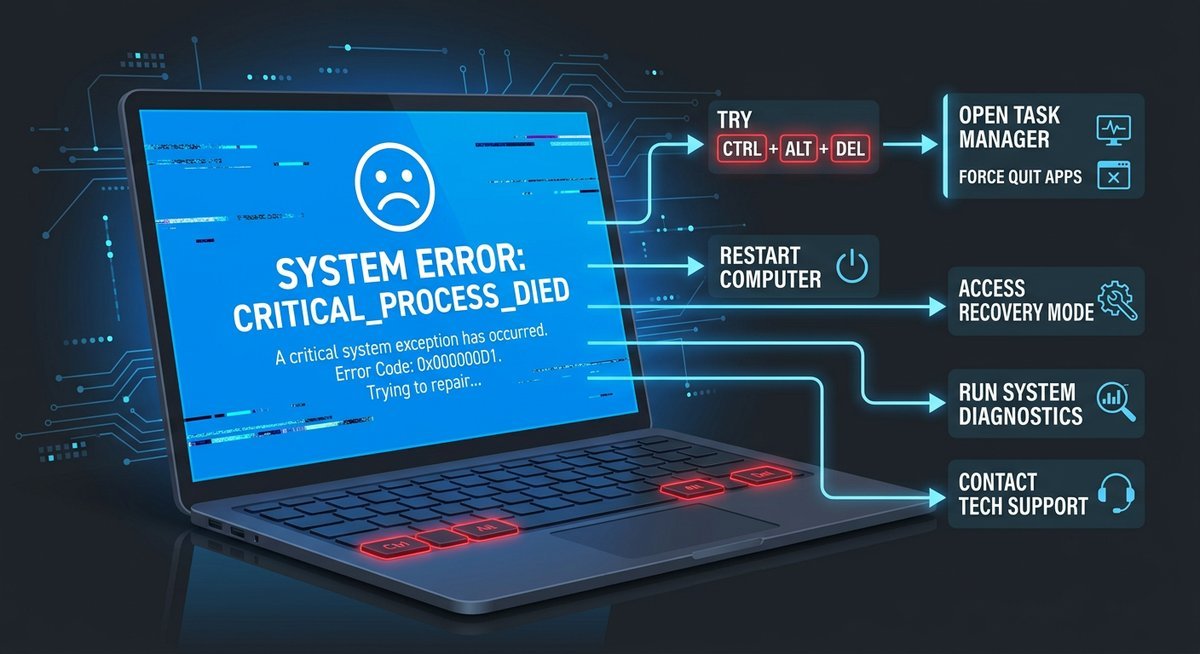
Soft Recovery via Ctrl+Alt+Del
- Press Ctrl+Alt+Del. If the security screen loads, the system is not fully frozen.
- Select Task Manager (press Tab and Enter to navigate).
- Use arrow keys to highlight the unresponsive application.
- Press Alt+E or Del to end the task.
- Once the frozen app closes, shut down normally with Alt+F4 from the desktop.
Hard Shutdown (Power Button Hold)
If Ctrl+Alt+Del produces no response at all, the system is fully locked. Press and hold the physical power button for 10 to 15 seconds. The laptop will cut power to all components and turn off completely. This is a hardware-level override that bypasses the operating system.
A hard shutdown skips the normal file-saving process. According to Microsoft’s Windows support documentation, unsaved work in open applications will be lost, and in rare cases, file system corruption can occur if the drive was mid-write. Always save work frequently and enable auto-save in applications like Word, Excel, and Google Docs to minimize risk. The 10-second hold that kills a completely locked machine is the same technique data recovery specialists use as a last resort. It works on every laptop regardless of brand, age, or operating system.
Data Safety After Forced Shutdown
After a hard shutdown, Windows automatically runs a disk check (chkdsk) on the next boot if it detects an improper shutdown. Let this process complete without interruption. On Mac, the system may boot into a recovery check. Neither process takes more than a few minutes under normal conditions.
Shutdown vs Sleep vs Restart: Which Keyboard Shortcut to Use
Use shutdown (Alt+F4 and select “Shut down”) to fully power off and conserve battery, sleep (Win+X, U, S) for quick resume within seconds, and restart (Win+X, U, R) after installing system updates or troubleshooting software issues.
| Action | Windows Shortcut | Mac Shortcut | Power Use | Resume Time | When to Use |
|---|---|---|---|---|---|
| Shut down | Alt+F4 > Enter | Ctrl+Opt+Cmd+Power | Zero | 30-60 sec | End of day, traveling, battery conservation |
| Sleep | Win+X, U, S | Opt+Cmd+Power | Minimal | 1-3 sec | Short breaks, quick resume needed |
| Restart | Win+X, U, R | Ctrl+Cmd+Power | Full cycle | 45-90 sec | After updates, driver installs, troubleshooting |
| Hibernate | Win+X, U, H (if enabled) | N/A (automatic) | Zero | 10-20 sec | Long breaks with unsaved work |
Sleep drains roughly 1-2% battery per hour on most modern laptops, according to testing data from hardware review sites like Notebookcheck. Shutdown drains zero. For overnight or multi-day breaks, shutdown is the clear winner.
Frequently Asked Questions
What is the fastest keyboard shortcut to shutdown a laptop?
Alt+F4 from the Windows desktop followed by Enter is the fastest at just three keypresses. On Mac, Control+Option+Command+Power shuts down instantly without any confirmation dialog.
How do I shutdown my laptop if the mouse is not working?
Press Win+X, then U, then U again. This three-step sequence opens the power menu and selects shutdown entirely through the keyboard. On Mac, press Control+Option+Command+Power.
Does Alt+F4 work on Windows 11?
Yes. Alt+F4 works on Windows 11 exactly as it does on Windows 10. Press Win+D first to reach the desktop, then Alt+F4 to open the shutdown dialog. The Windows 11 dialog looks slightly different but functions identically.
How do I force shutdown a laptop using only the keyboard?
Press Ctrl+Alt+Del and navigate to the power icon using Tab and Enter. If the system does not respond at all, hold the physical power button for 10 to 15 seconds. This hardware override works regardless of what the operating system is doing.
Can I create a custom keyboard shortcut for shutdown on Windows?
Yes. Right-click the desktop, select New and then Shortcut, type shutdown /s /t 0 as the location, and name it. Then right-click the new shortcut, go to Properties, and assign a keyboard shortcut in the “Shortcut key” field. Any Ctrl+Alt combination works.
What keyboard shortcut shuts down a Chromebook?
Press and hold the Power button for 3 seconds on a Chromebook. There is no multi-key shutdown shortcut like Windows or Mac. To sign out quickly, press Ctrl+Shift+Q twice in rapid succession, which closes all tabs and signs you out.